Features
What Swoop TV actually does
A straight rundown of Swoop TV IPTV: live channels with a proper program guide, an on-demand library, a browser player, and support for the hardware sitting in your living room.
Live TV
A program guide you will recognize
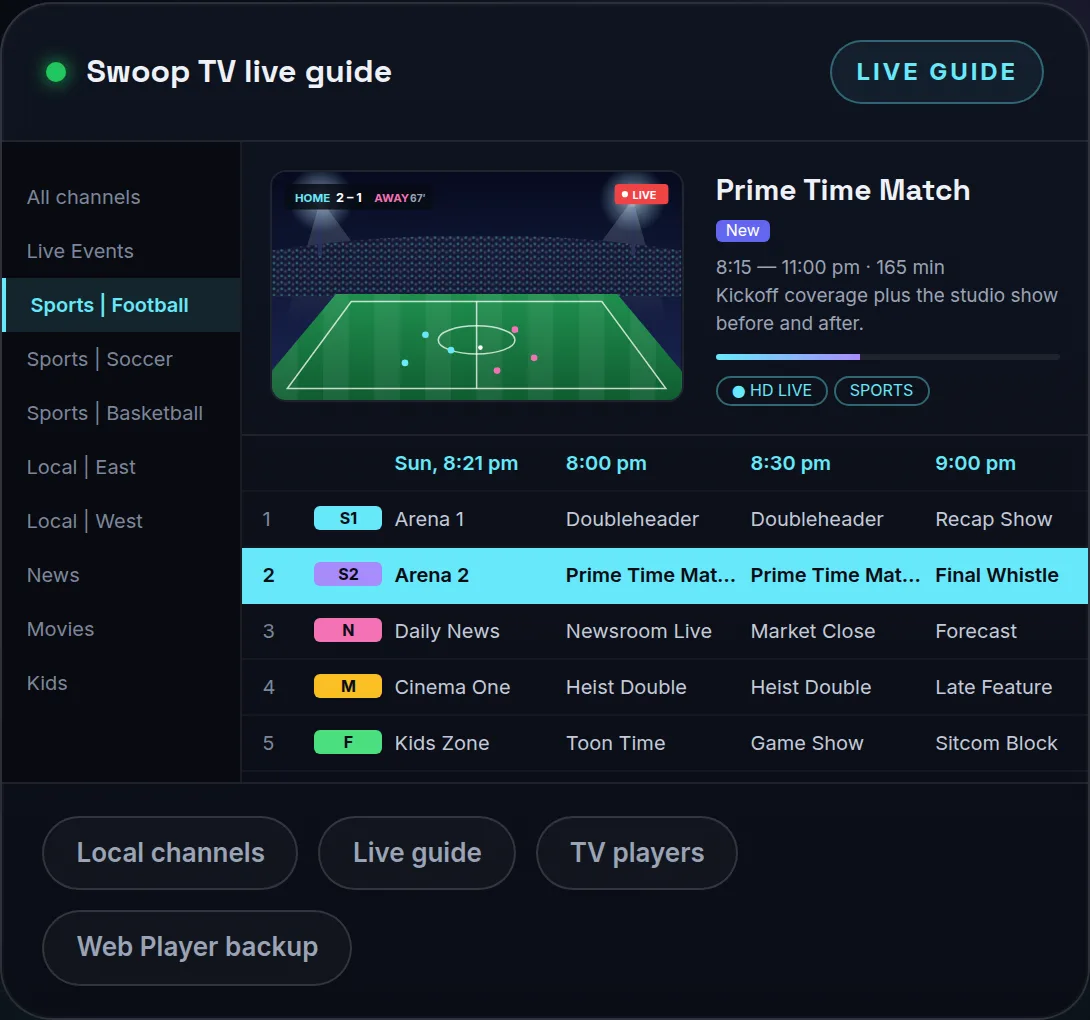
Swoop TV sorts its channels into tidy groups like sports, news, movies, kids and local. On top of that, the EPG lays out the current program and the one after it, so you can scan a timeline rather than scroll a list that never ends.
- Current and upcoming programs in players that read the EPG
- A favorites list that keeps your go-to channels close
- Group filters and a search box for trimming big lists
First time using a guide? Our piece on the EPG and how to fix a blank one covers it. Brand new to all of this? Begin with IPTV explained in plain English.
Web player
A player that lives in your browser
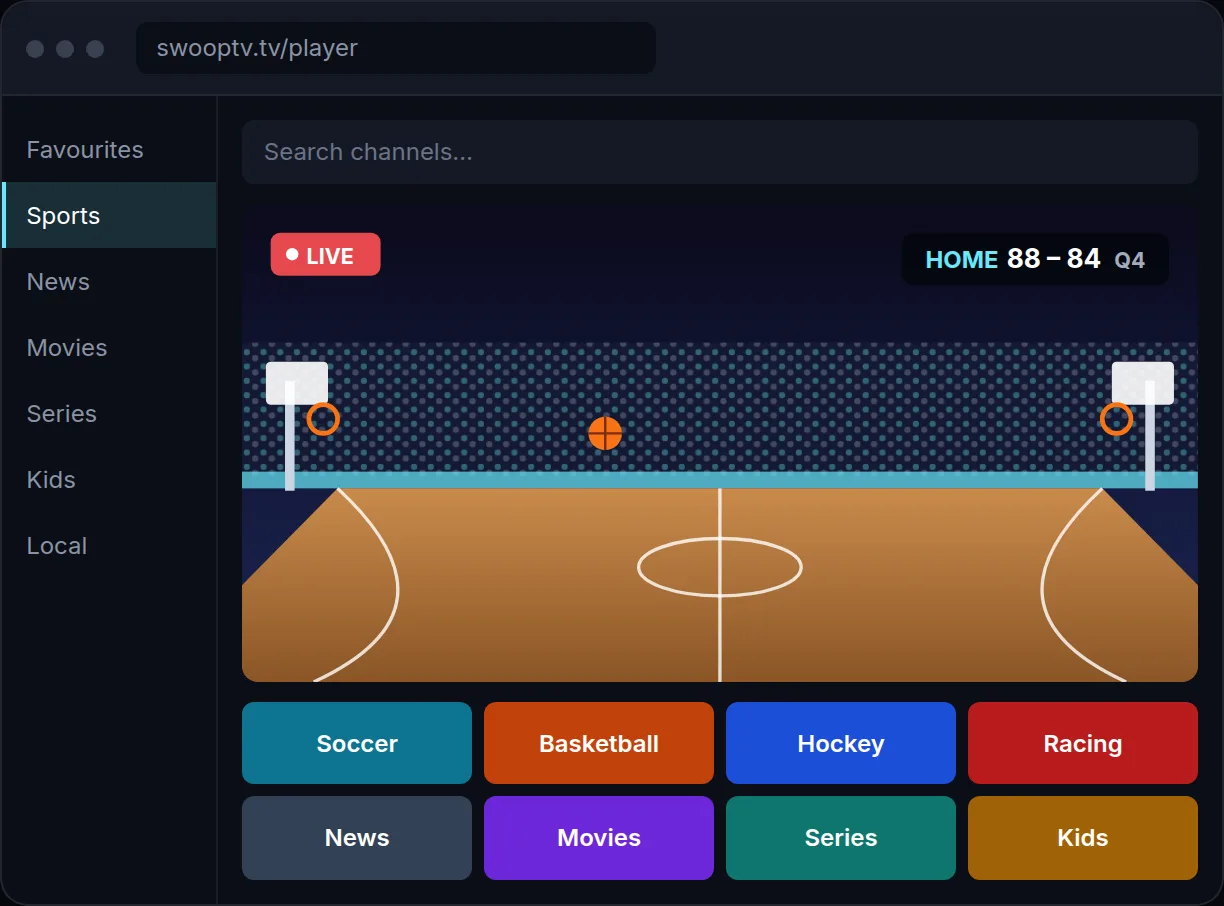
You can run the Swoop TV web player in Chrome, Edge, Safari or Firefox. On a laptop it is the fastest route to a live channel, and it keeps things going if your TV player is mid-install or mid-update.
- Find any channel by typing its name
- Browse groups and keep a favorites list
- Send the picture to a TV if your browser can cast
Sign in and you will find the web player link in your dashboard.
Also part of it
Small things that help every day
On-demand films and shows
Press play on a title whenever you want, inside the player you already use for live channels.
Broad device support
Firestick, Android TV, Samsung, LG, Apple TV, iPhone, Android phones, Windows PCs and Macs.
Setup guides →
Common login formats
Use Xtream Codes or an M3U link. Nearly every reputable player app accepts one or both.
Xtream Codes and M3U logins →
A dashboard of your own
Your login, plan status and setup links sit together, so you never dig through old emails.
USA and Canada
The same account covers both countries, on your couch or on a trip.
Watching in the USA →
Help with setup
Our team answers email 7 days a week, 9am–11pm Eastern, and you can reach us from the dashboard too.
Contact support →
Devices
Between 1 and 5 screens watching at once
Every plan comes with a screen count: 1, 2, 3, 4 or 5 devices playing simultaneously. Each added screen is priced lower than the last, so covering a living room TV, a bedroom TV and a phone costs much less than buying three single plans. Your login can be saved on more devices than your plan covers. The limit only applies to how many are playing at the same moment.
Check the full price grid by term and screen count.
Plan on about 10 Mbps for each HD stream, so three screens want around 30 Mbps. Our internet speed guide has the details.
Try every feature on your own screen
Nothing on this page is held back during the free 24-hour trial.